Antennas and power
Antennas
- Identify the yellow sub-GHz u.FL connectors (see pinout PDF and drawing).
- Fit u.FL→SMA adapters fully seated (do not yank the cable; pull the connector body).
- Fit antennas. Keep them clear of ground planes and each other as far as the airframe allows.
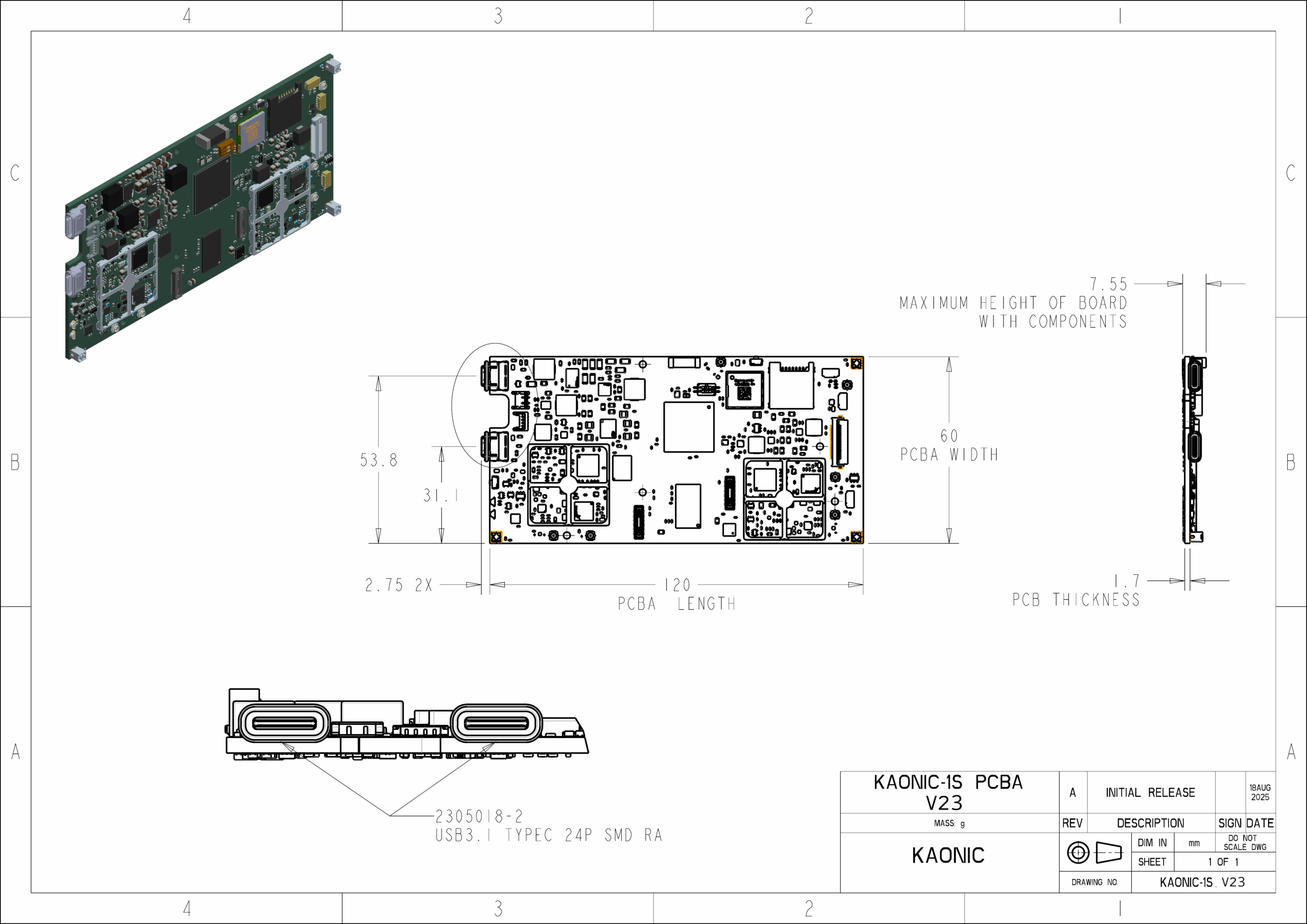
OEM boards expose multiple u.FL connectors. Fit an antenna or suitable load to every RF port used by the selected radio configuration.
Wi-Fi/Bluetooth uses the onboard antenna unless a protob/protoc external-antenna GPIO path is present (wifi_mode.sh antenna only applies to those machine names).
Power
| Item | Value |
|---|---|
| Connector | Molex PICO-EZMate HC1.8 2082940020 (mate 2082982021) |
| USB-C PD | Development-kit power port |
| USB-C data | Management Ethernet gadget to the computer |
| Range | 5–15 V |
| Hold power button | About 8 seconds, until the readiness LED turns green |
If the board has BOOT SEL in USB-ROM position it will not boot Linux. See boot straps.